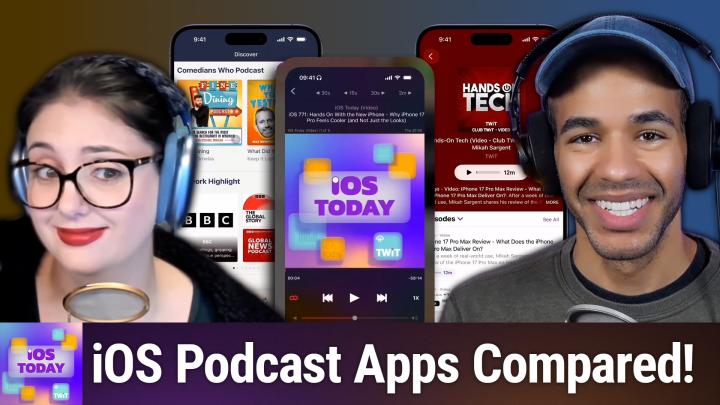
Which Podcast App Should You Use on iOS?
AI-generated, human-reviewed.
Choosing the right podcast app makes a big difference in how you discover, listen to, and share your favorite shows. On iOS Today episode 773, hosts Mikah Sargent and Rosemary Orchard put four leading iOS podcast apps under the microscope—Apple Podcasts, Overcast, Pocket Casts, and Downcast—to find the best fit for various listening styles, priorities, and preferences.
Why Your Podcast App Choice Matters
Podcast listening has exploded, and the App Store is full of apps promising unique features. But once you get past the basics, key differences emerge: audio quality, speed controls, sharing options, transcript support, and even video playback. Whether you’re a power listener or just want a hassle-free experience, picking the right app streamlines your podcast routine.
On iOS Today, Mikah and Rosemary clarified who should use each app, and highlighted a few lesser-known features that can save you time and frustration.
Major Differences Between Top Podcast Apps
Apple Podcasts (Free, Built-In)
- Pre-installed on all Apple devices
- Automatic transcript syncing (where available)
- Basic sharing and playback speed controls
- Supports both audio and video podcasts
- Syncs across devices via Apple ID
- Great for beginners or users entrenched in the Apple ecosystem
Overcast (Free, Optional $14.99/year for premium)
- Audio-only playback (no video support)
- Smart Speed (removes long pauses for faster listening)
- Voice Boost (improves audio clarity)
- Custom per-podcast settings (skip intros, adjust speed, limit episodes)
- Share clips or timestamps quickly to friends or social media
- Favored by advanced listeners who like automation, smart features, and granular control
Pocket Casts (Free)
- Intuitive discovery tools and “You Might Like” recommendations
- Folders for organization (tech, news, etc.)
- Trim Silence & Volume Boost
- Stats dashboard (listen time, time saved with features)
- Supports clip sharing
- Syncs on iOS, Android, and desktop
- Flexible for cross-platform listeners wanting both personalization and advanced playback
Downcast ($2.99 one-time on iOS)
- Supports both audio and video podcasts
- Extensive custom skip/back controls (e.g., forward by 2 min, back by 30 sec)
- Chromecast support
- No subscription required; single purchase
- Available on Apple TV
- Great for users wanting a traditional feel, offline flexibility, or video playback without a subscription
Best Podcast App for...
- Casual listeners/newbies: Apple Podcasts (free, simple, robust basics)
- Power users & customizers: Overcast (deep controls, sharing, time savers)
- Cross-platform & discovery seekers: Pocket Casts (recommendations, organization, stats)
- Video podcast fans or traditionalists: Downcast (video support, skip controls, Chromecast)
Overall Takeaways
- All four apps handle basic podcast subscriptions, downloads, and playback well.
- Overcast and Pocket Casts offer standout audio controls like silence trimming and customizable speed.
- Apple Podcasts is now enhanced with transcripts and device sync, making it easier than ever for newcomers.
- Downcast’s Chromecast and video support make it a standout for those who want more than just audio.
- Both Overcast and Pocket Casts make sharing clips and episodes simple, which is ideal for discussing shows with friends.
All apps mentioned are either free or have a low upfront cost, so it’s easy to experiment!
There’s no single “best” podcast app for everyone, but there’s definitely a best app for your style. iOS Today’s detailed comparison makes it clear: whether you care about audio tweaks, sharing, transcripts, or video, taking a few minutes to set up the right app can make your podcast life much easier (and more fun).
Ready to level up your podcast listening? Catch the full episode for more tips and practical demos:
https://twit.tv/shows/ios-today/episodes/773