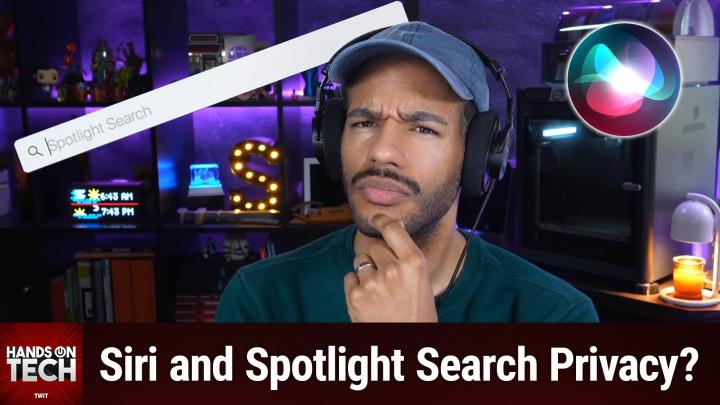
Spotlight, Siri, and Apple Intelligence Privacy Explained
AI-generated, human-reviewed.
When you search your iPhone using Spotlight or Siri, your privacy is more protected than most realize. On Hands-On Tech, Mikah Sargent details what information apps can actually access when you use these iOS features, how Apple Intelligence changes the equation, and what settings truly safeguard your data.
Quick Summary: What Happens When You Search on iOS
If you’ve wondered whether apps can see the words you type into Spotlight or Siri search, the short answer is no—iOS keeps your queries private. Only limited information is ever sent to apps, and that’s only when you tap through to open specific content.
Apple’s evolving privacy features, including advancements in Apple Intelligence, reinforce this boundary while letting apps suggest relevant results. Understanding these systems helps you control both your data and the persistent suggestions you see.
How iOS Handles Search Data: Spotlight, Donations, and Deep Links
iOS uses two main technologies for search:
- Core Spotlight: Allows apps to “donate” information (like file titles or notes) to a local, private index on your device.
- NSUserActivity: Provides extra metadata to help the system recognize recent activity for search.
When you search, iOS looks in this local index—it does not ask the app “live” for matches. The app never receives your search terms or sees how often you’re searching.
The only time the app is notified is when you tap a result that opens content directly in the app. In this case, the app gets a “deep link” pointing to the specific item, but not your search words or other searches you’ve run. Your activity remains largely opaque to the app.
Apple Intelligence and Siri: Has Anything Changed?
With Apple Intelligence bringing more AI-powered features to iOS, the privacy model adds new layers:
- Semantic Index: Apple Intelligence builds a smarter, on-device understanding of your habits, still using a local index.
- App Intents: A newer framework letting apps advertise what actions they support, so Siri or other system features can leverage them for you.
Critically, Apple Intelligence processes your data on device whenever possible. For requests that need Apple’s servers, Apple uses techniques like “Private Cloud Compute,” which anonymize and protect your information even in the cloud.
Practical Advice: Controlling Siri and Spotlight Suggestions
One frustration remains: iOS enables Siri and search suggestions by default for every app.
- You can turn off suggestions globally (for system areas like the lock screen or lookups)
- However, there's currently no setting to disable these suggestions for all apps at once—each app must be configured individually.
- Enterprise users (with Mobile Device Management or Apple Configurator) can hide the suggestion feature entirely, but this is impractical for regular consumers.
For map ETA sharing suggestions, options are similarly limited—you can turn off sharing or suggestions, but not customize their behavior separately.
What This Means for You
- Your iOS search queries aren’t visible to apps. Only the act of tapping a deep link (like opening a found note or file) is communicated.
- Apps can’t gather telemetry about your private search activity.
- Apple Intelligence continues this approach, increasing utility without sacrificing privacy.
- If you dislike Siri suggestions, prepare for some manual toggling—Apple doesn’t yet offer a universal opt-out for all apps.
- Privacy-centric users can restrict system-wide suggestions, but not individualized per-app donations or behaviors without extra tools.
Key Takeaways
- Spotlight and Siri search on your iPhone is designed with privacy first.
- Apps can “donate” information to be searchable, but they don’t see your search terms or results history.
- The only information communicated to apps is when you choose a result and open it, via deep link.
- Apple Intelligence uses local processing and privacy-aware cloud features to keep your data secure.
- Managing suggestions is still app-by-app for most users.
The Bottom Line
Apple puts boundaries between your search actions and what apps can see. While suggestions management could be more user-friendly, the privacy architecture means that your queries remain private—even as on-device intelligence helps you find what you need.
For more practical iOS privacy insights and tech tips, subscribe to Hands-On Tech:
https://twit.tv/shows/hands-on-tech/episodes/263