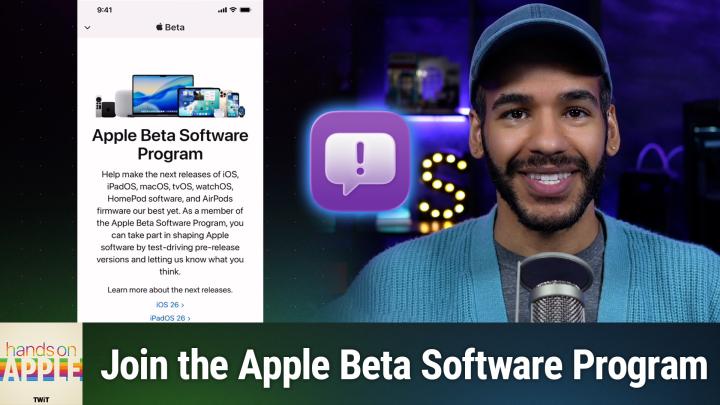
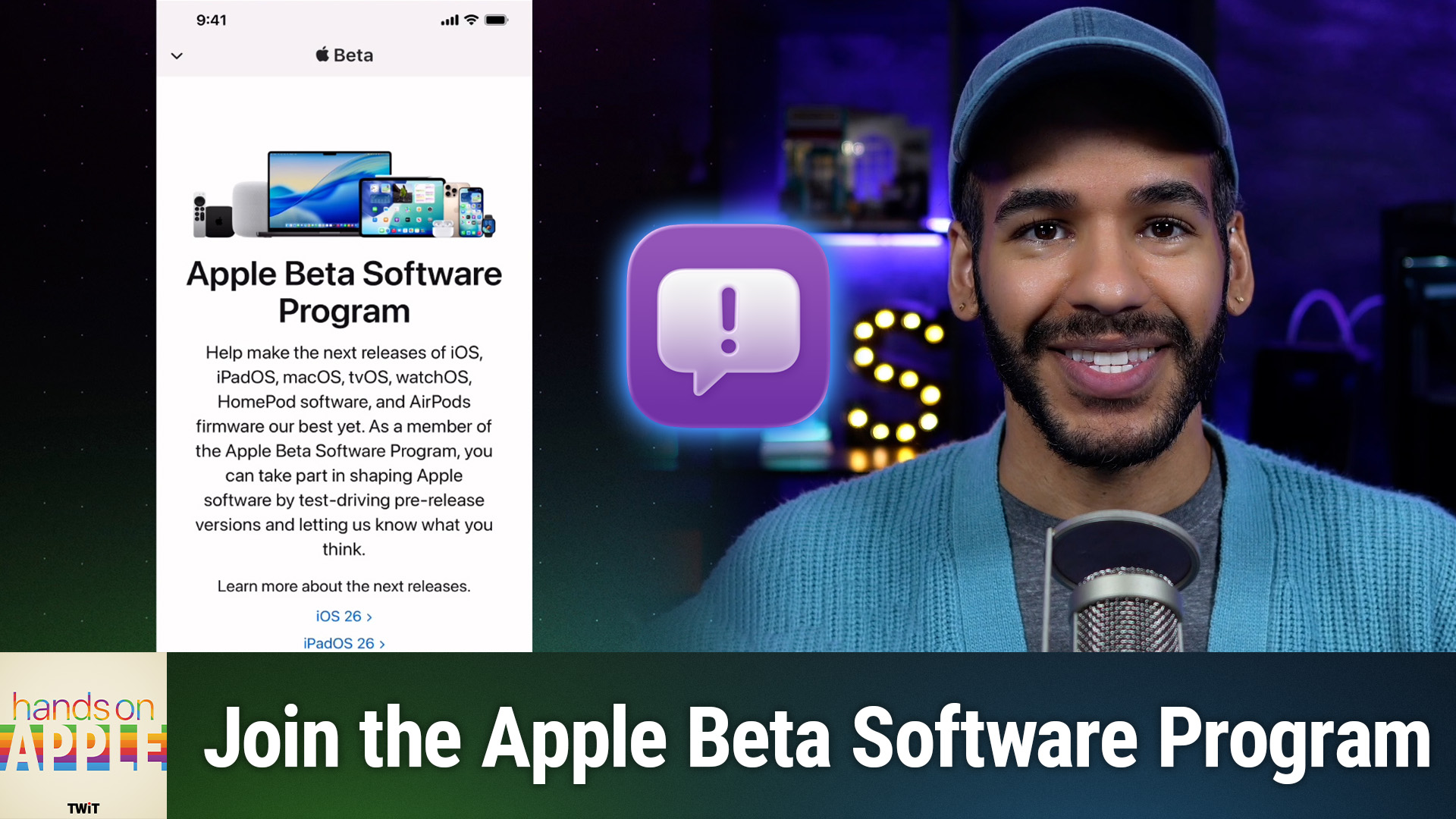
Inside Apple's Public Beta Program
AI-written, human-edited.
Apple's Public Beta Software Program offers an early look at upcoming iOS, iPadOS, macOS, and tvOS features—if you know the right steps. In the latest Hands-On Apple episode, Mikah Sargent presents a clear roadmap for anyone ready to register their devices, manage backups, and install beta updates without compromising daily use.
Reporters and testers alike rely on Apple's Feedback Assistant to flag bugs and performance issues. Sargent reviews how to capture logs, attach detailed screenshots, and send reports that inform Apple's engineering teams. By participating, listeners contribute to more stable releases for millions of users worldwide.
The episode also addresses rollback procedures, such as exiting the beta program and restoring your device to public releases, preserving data, and setting up settings. Sargent's methodical approach ensures that both veteran testers and first-time participants can navigate the process confidently.
For those seeking deeper coverage, Club TWiT delivers ad-free listening, exclusive bonus segments, and access to a dedicated Discord channel where industry insiders and enthusiasts exchange observations. Subscribing to Club TWiT supports independent technology journalism and grants members a front-row seat to extended interviews, behind-the-mic conversations, and technical briefings not available anywhere else.
With Sargent's guidance, testing Apple's next software releases becomes both informative and reliable—no surprises, just solid preparation.
Become a subscriber and never miss an episode: Hands-On Apple