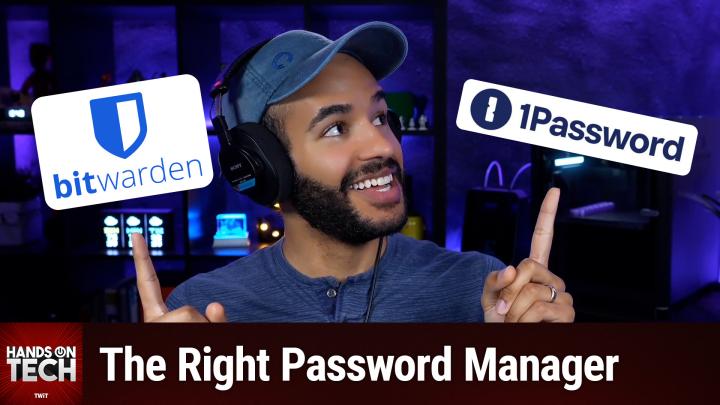
Best Cross-Platform Password Managers for Families: 1Password, Bitwarden, and Apple Passwords Compared
AI-created, human-reviewed.
Looking to choose a password manager that easily syncs and shares passwords across Mac, iPhone, iPad, Windows, and even helps with TV logins? In a recent episode of Hands-On Tech, host Mikah Sargent breaks down the top password manager options for families and multi-device users, comparing their features, usability, and security.
Why Password Managers Matter for Multi-Device Households
Strong passwords are essential for online security, but managing them—especially across multiple devices and family members—can get complicated. If you need to share access (like to bank accounts or Netflix) between Macs, iPhones, iPads, and even your TV, your password manager needs to be user-friendly and highly compatible.
Top Picks: 1Password, Bitwarden, and Apple Passwords
1Password (a TWiT.tv sponsor)
Mikah’s top recommendation is 1Password, thanks to its robust family sharing features, high security standards, and easy migration from LastPass. For about $36 a year per family, 1Password works on Mac, iOS, Windows, Android, and Linux. Setup is straightforward, and password sharing makes it simple for less tech-savvy family members to log in without hassle. For streaming devices like Roku, 1Password integrates via mobile apps, so you can autofill credentials from your phone to your TV.
Bitwarden (a TWiT.tv sponsor)
Bitwarden is an open-source alternative known for strong security and free basic use. Its family plans are also very affordable, and, like 1Password, it provides cross-platform compatibility (including Mac, iOS, Windows, Linux, and Android) and migration tools for moving from LastPass. Bitwarden’s mobile app also supports password autofill for devices like Roku through companion apps.
Apple Passwords (iCloud Keychain)
If your household is fully within Apple’s ecosystem, Apple’s built-in Passwords app may be enough. It synchronizes logins across all your Apple devices automatically and supports sharing with others through “groups.” There’s also an Apple Passwords app for Android and Windows, though these aren’t as fully featured as the Apple-to-Apple experience. Apple’s solution is especially approachable for less technical users, with easy password suggestions and autofill.
How to Set Up Shared Passwords for Your Family
- Pick Your Password Manager First: Mikah advises testing different options yourself before involving others. This minimizes confusion and helps avoid frustration among family members.
- Family Sharing Setup: All three options let you share passwords securely. With 1Password and Bitwarden, you’ll invite family members to your shared vault or organization. With Apple Passwords, you’ll create a password “group” and add family members.
- Device Integration: On streaming devices like Roku, use the mobile app for 1Password or Bitwarden to autofill or copy-paste passwords into the Roku app, which then relays it to your TV.
- Migration from LastPass: Both 1Password and Bitwarden offer import tools for easily moving your passwords from LastPass.
What You Need to Know
- Cross-platform compatibility is strongest with 1Password and Bitwarden; Apple Passwords excels within the Apple universe
- Family sharing makes it simple to distribute passwords for shared accounts without manually telling each member
- TV logins (Roku/Netflix) are best handled via the manager’s mobile app, which forwards logins from your device to the TV
- Choose and stick to one manager to keep things easy for your family, especially those less comfortable with technology
- Open source (Bitwarden) offers added transparency, while paid solutions (1Password) typically offer more polish and support
Tips
- Test features and migration yourself before sharing access with your family—don’t make everyone try multiple tools
- Use password groups or shared vaults to share only what’s needed and keep your logins organized
- Leverage autofill features on your devices for smoother logins and better security
The Bottom Line
If you’re looking for a user-friendly, highly compatible password manager with strong family sharing, Mikah Sargent recommends 1Password for its balance of ease, security, and cross-platform support. Bitwarden is an excellent budget-friendly, open-source alternative. Most Apple households will be well served by Apple Passwords, but if you need to share beyond the Apple ecosystem (or want easier import), third-party options win out.
Ready to make your digital life safer and simpler? Try out one of these top password managers for your home—your future self will thank you.
Don’t miss the full walkthrough and tips in this episode of Hands-On Tech:
https://twit.tv/shows/hands-on-tech/episodes/230