Using PhotoCard by Bill Atkinson
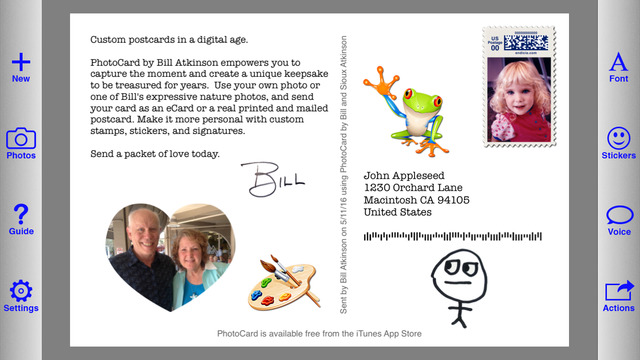
- Why print cards in the digital age?
- What does it cost?
- How are cards printed and mailed?
- How do I get started with PhotoCard?
- Can I have multiple PhotoCard accounts on one device?
- How did the PhotoCard app get so much smaller?
- Where can I learn more about PhotoCard?
- How do I start a new card?
- How do I choose a photo for the front of the card?
- How do I crop and adjust a photo?
- How do I choose a stamp for my card?
- Can I make a custom stamp with my own image?
- Can I make my own custom stickers?
- How do I choose the font, size, and line spacing for my message?
- How do I choose and place stickers on my card?
- Can I add my own custom signature?
- What's some good general advice for using PhotoCard?
- Can I set a default caption or return address for each card?
- Can I add a caption across the bottom of the card?
- Can I put more than one photo on the front of the card?
- How can I add fancy text to the front of the card?
- How can I add voice notes to my card?
- How can I send a card to multiple people?
- Can I share my creation to social media?
- Can I offer a printed card in an email?
- What is in PhotoCard's settings?
- What happens with my card after I'm done?